


Skip to content
Lighthouse for Public Safety

No cost · Community · The Community Offer

The Community Offer, at no cost to every agency.

TrustedUpdate, CivicSocial, and one seat for three PIO Toolkit classes, all claimed together for your agency.

TrustedUpdate is your agency's own page for official information: closures, meetings, projects and incidents, posted by your team with no IT ticket. CivicSocial gives you ready-to-post social graphics with your badge, name and links already on them. One included seat provides access to Public Information 101, The Solo PIO, and Setting Up a PIO Office. Begin when you’re ready.

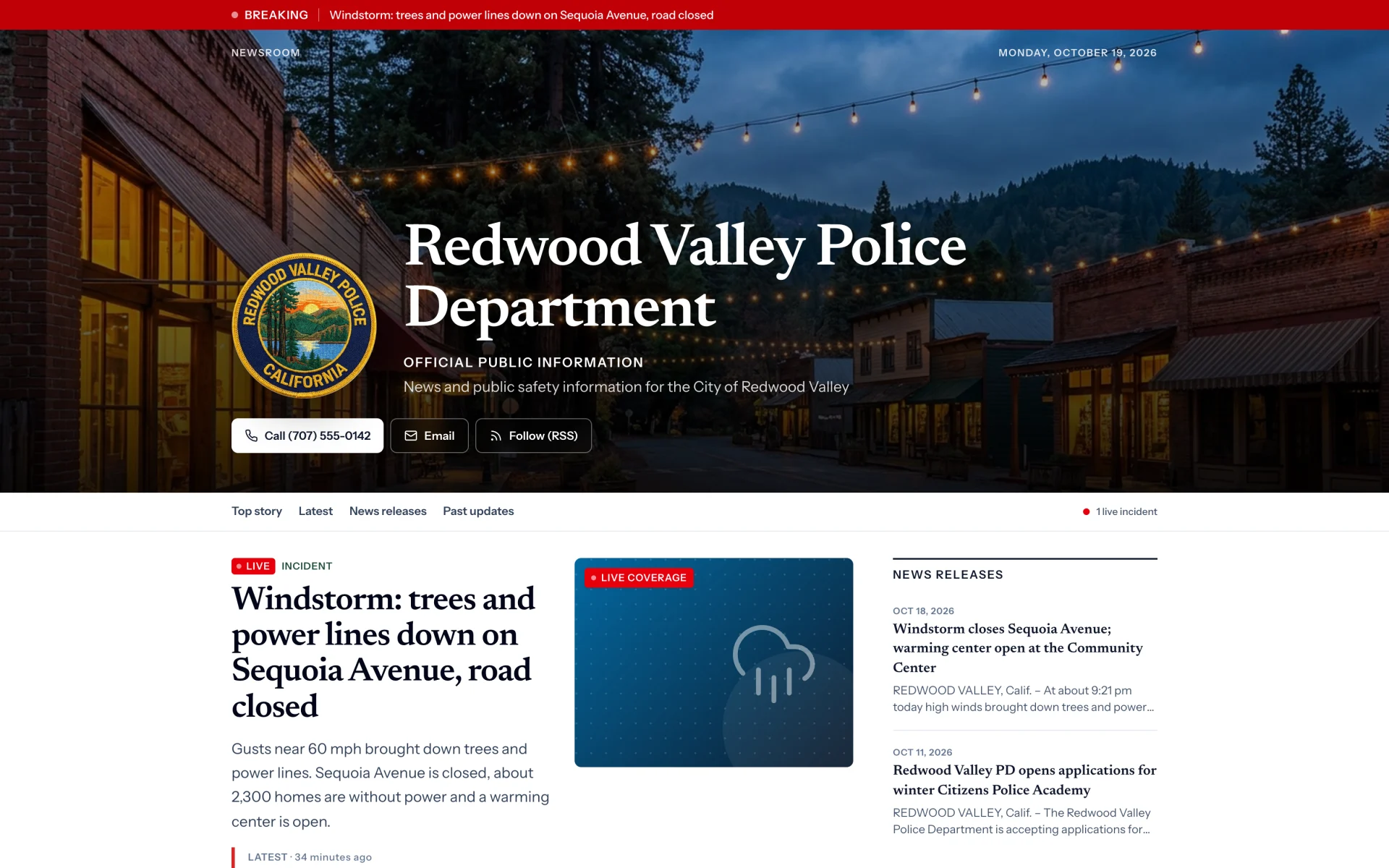
An agency’s TrustedUpdate home page

TrustedUpdate

Your official word, in a place you control.

Feeds decide who sees your posts, and your own website usually waits on city or county IT. TrustedUpdate gives your agency a home for official information that you run yourself. Share one link everywhere, and it always leads back to you.

  • A home for closures, meetings, projects and incidents
  • Your team posts directly, with no IT ticket
  • One link for every channel you use
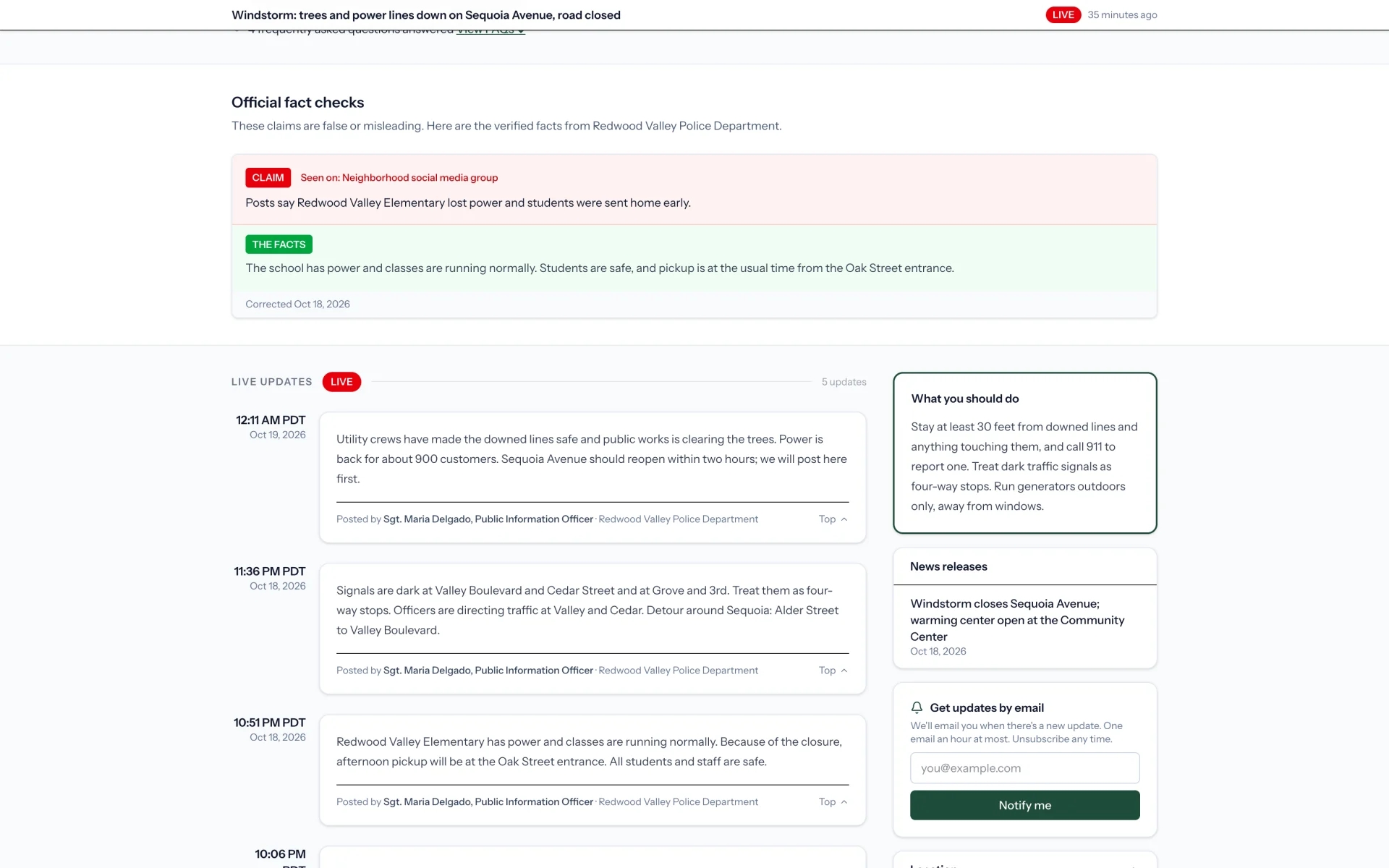
  • Rumors corrected on the record
  • A command center when something big happens
  • After-action reports when it is over
A public TrustedUpdate page

PIO Toolkit classes · One included seat

Training for the job nobody trains you for.

Practical, self-paced classes built by people who have done the work, with a certificate when you finish. One included seat provides access to Public Information 101, The Solo PIO, and Setting Up a PIO Office. Begin when you’re ready.

Intro · about 3 hours · 6 lessons

Public Information 101

The role, the reality and the first 90 days

The place to start for anyone doing public information work, whether you were hired for it, volunteered or are covering communications on top of another job.
Intermediate · about 2.5 hours · 6 lessons

The Solo PIO

Systems, survival and making your case

More than a third of government communicators work completely alone. Build the systems that keep one person going, and make the case for more help.

Intro · about 3 hours · 6 lessons

Setting Up a PIO Office

From scratch

For the communicator who has been asked to build a communications function where none really existed: what to set up first, and how to make it last.

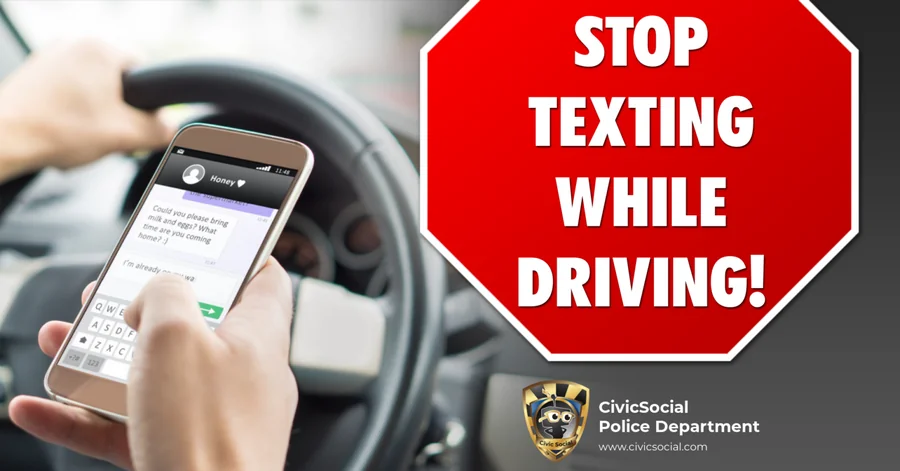
A CivicSocial heat safety graphic with an agency badge

CivicSocial

Post something good in five minutes.

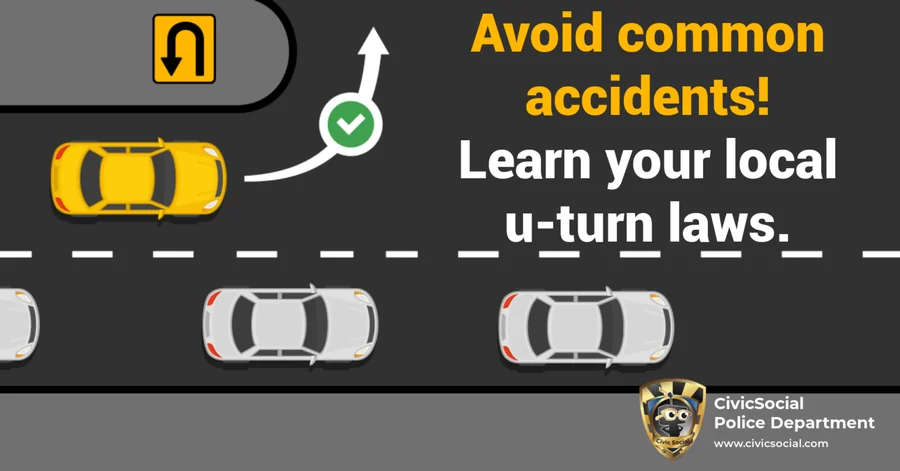
Pick a design for heat safety, National Night Out, hiring or the holiday coming up. Your badge, name and links are already on it. Change the text, swap the photo and download it sized for every channel.

  • Seasonal, safety and recruitment designs, ready to post
  • Your badge, name and links already on every design
  • Your brand kit saved for the whole agency

How claiming works

Set up your agency at no cost.

  1. 01

    Claim

    Find your agency and tell us who you are. Your PIO or community affairs lead becomes the one authorized contact for The Community Offer.

  2. 02

    Verify

    A short call with our team, and a quick confirmation from your command staff, verifies your agency.

  3. 03

    Set up your brand

    Upload your badge and add your agency name and links once. Every page and every graphic carries them from then on.

  4. 04

    Go

    Open your first TrustedUpdate page and post your first graphic. Your included seat for the three PIO Toolkit classes is there when you’re ready.

No cost · Provided to every public safety organization in the country

TrustedUpdate, CivicSocial, and one seat for three PIO Toolkit classes. The tools to reach your community, at no cost, for every agency.

Lighthouse is a public benefit corporation, independently owned and in it for the long haul.